A STUDIO FOR SMALL WORLDS
Give an idea
somewhere
to live.
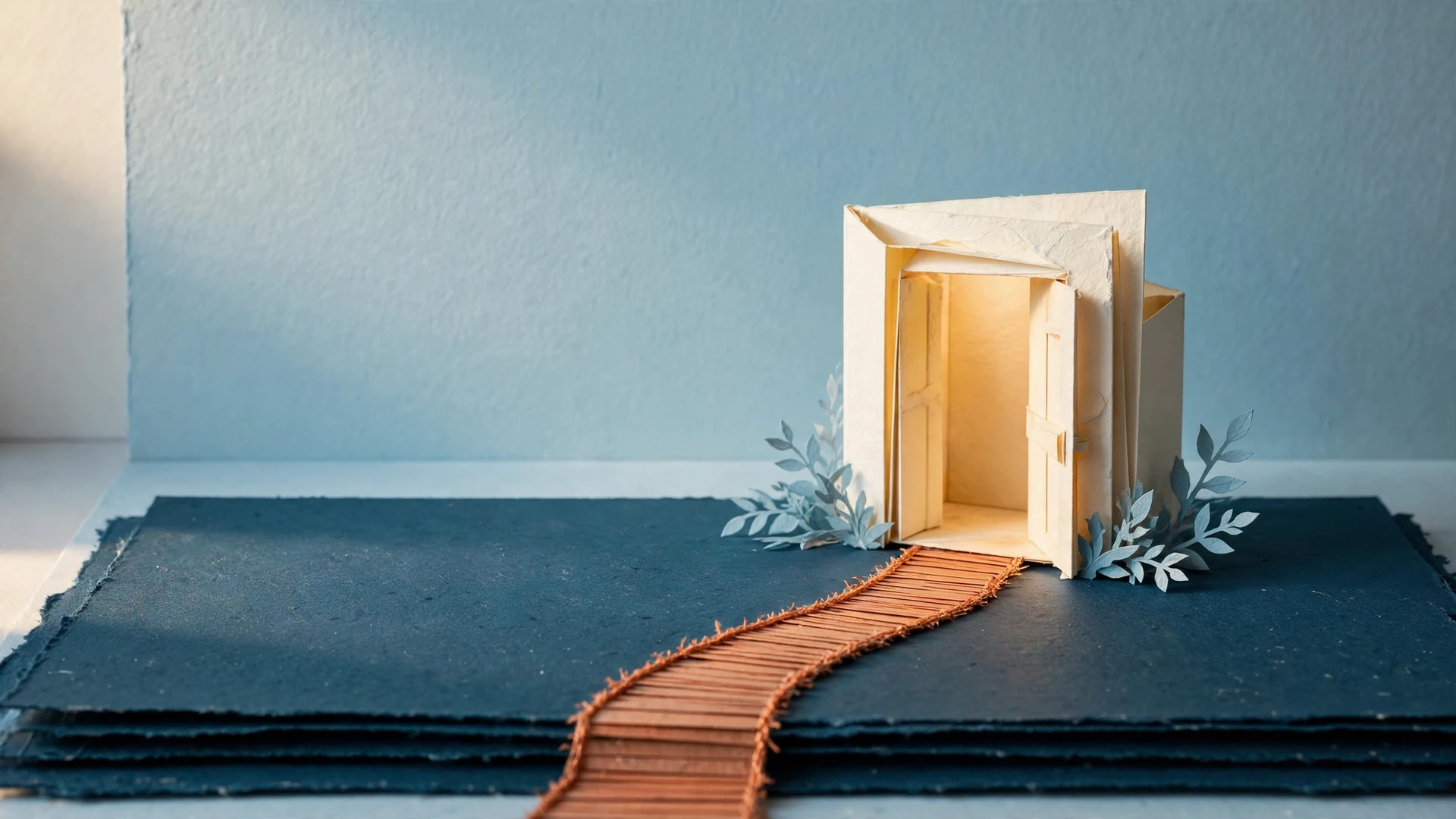
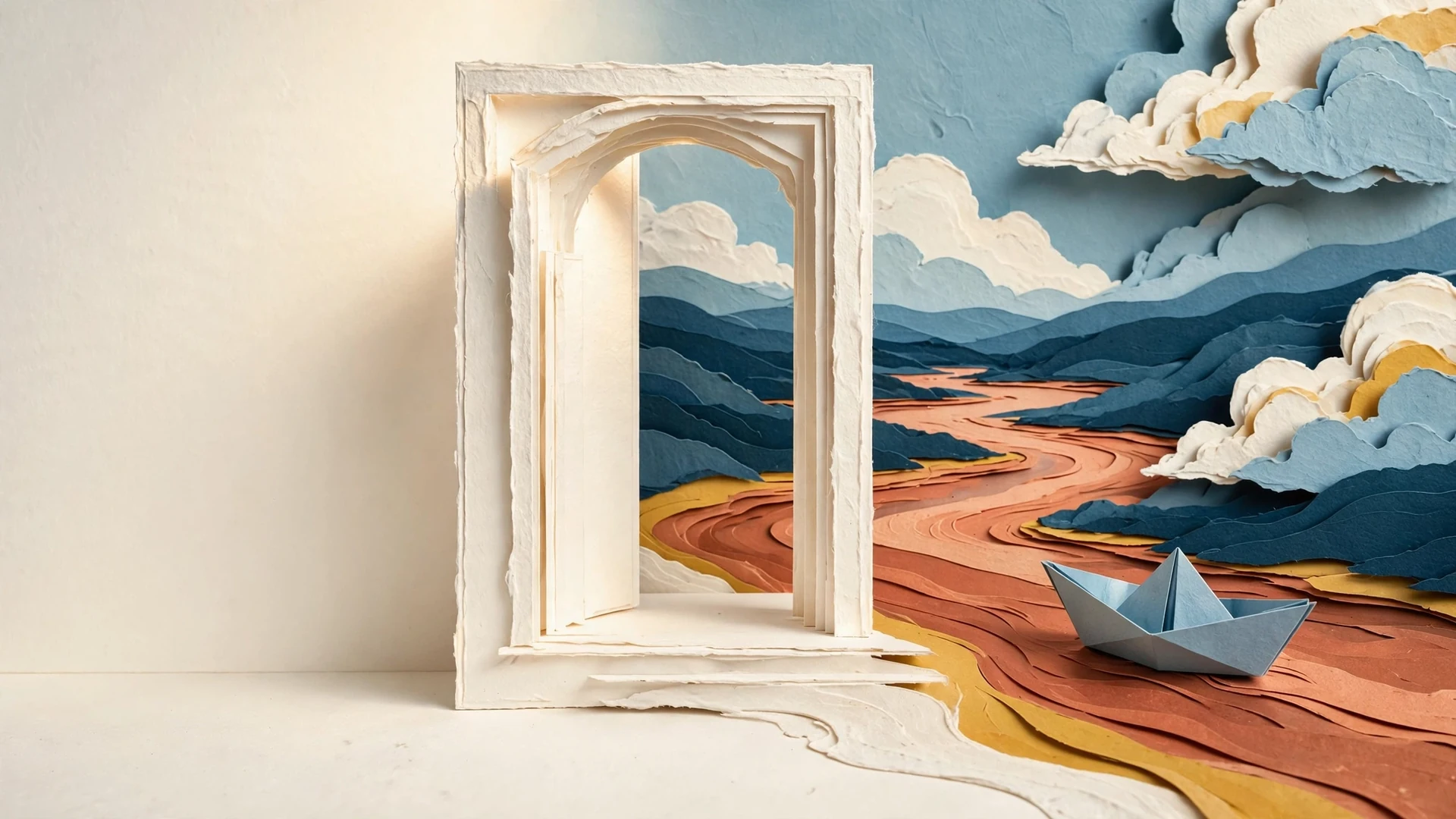
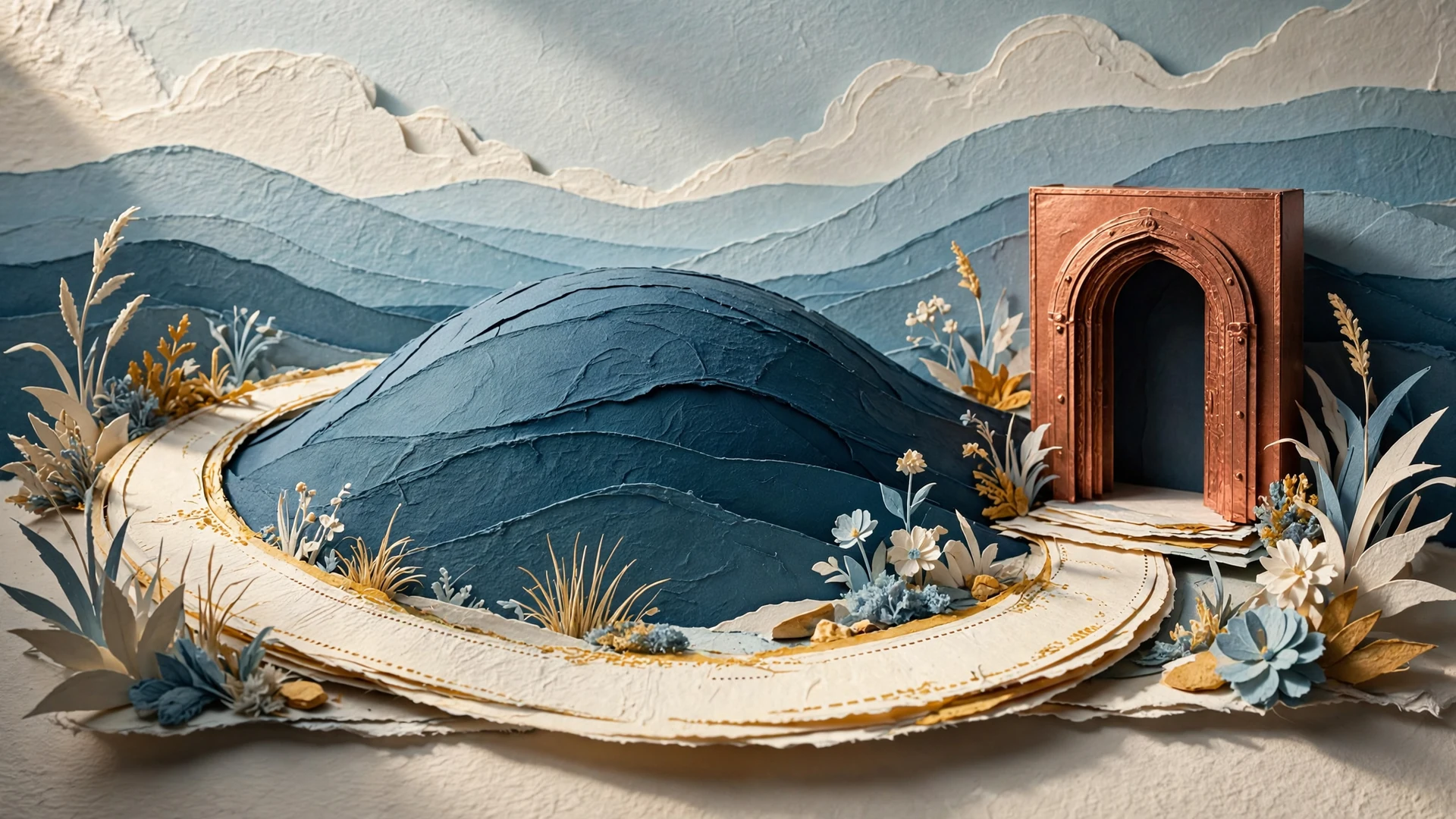
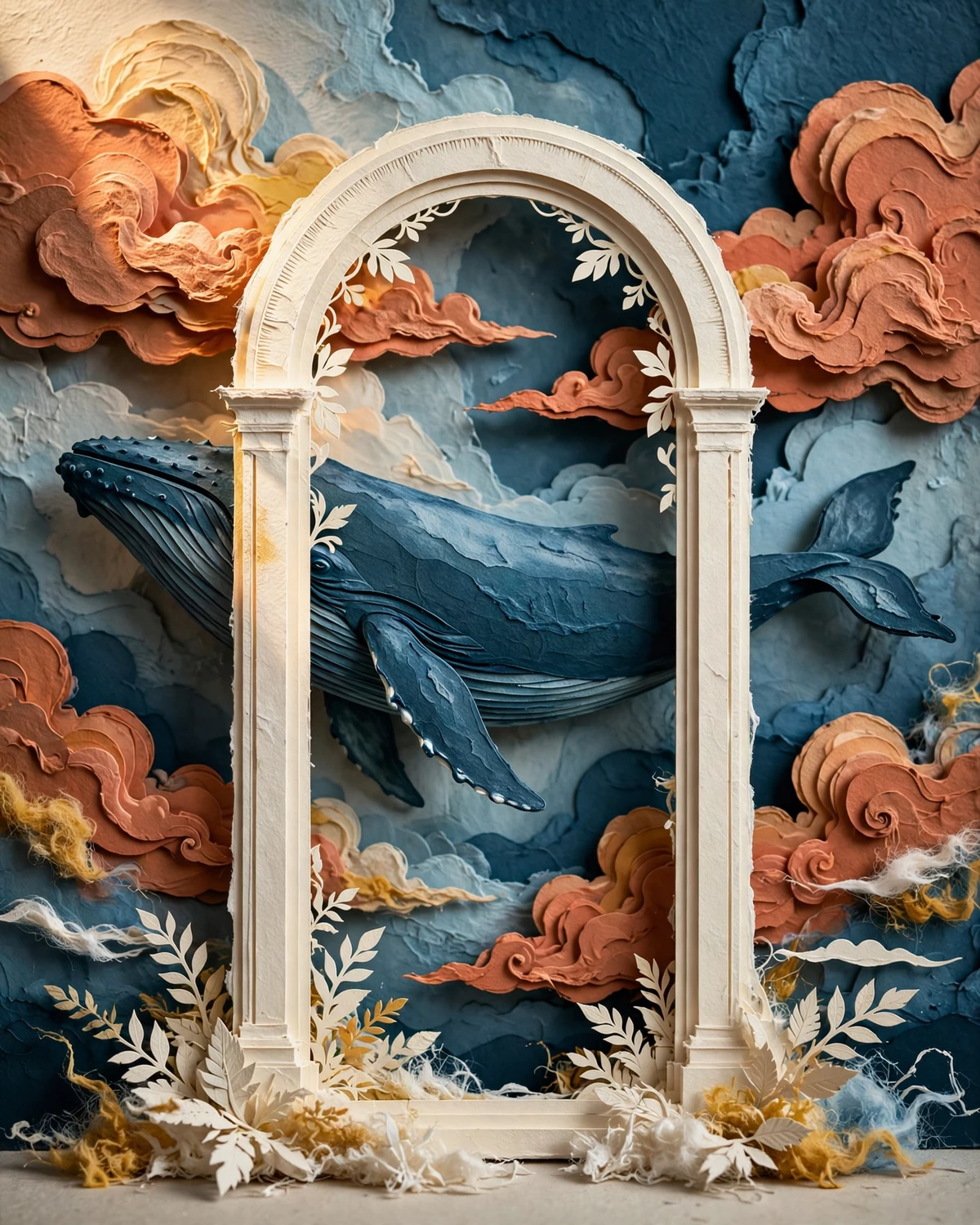
An arch. A path. Something unexpected waiting at the edge. Bring the pieces together in Morrowstage.
Try a little arrangementBEGIN WITH A PLACE
Move one thing.
See another possibility.
A scene takes shape through the choices you make. Choose a setting, place a piece and give it a little space. The studio keeps the work editable, so you can return with a different idea.
A small web sketch of the idea. In the Android studio, your own scenes stay editable.
FIND YOUR STARTING POINT
A setting with
room for you.
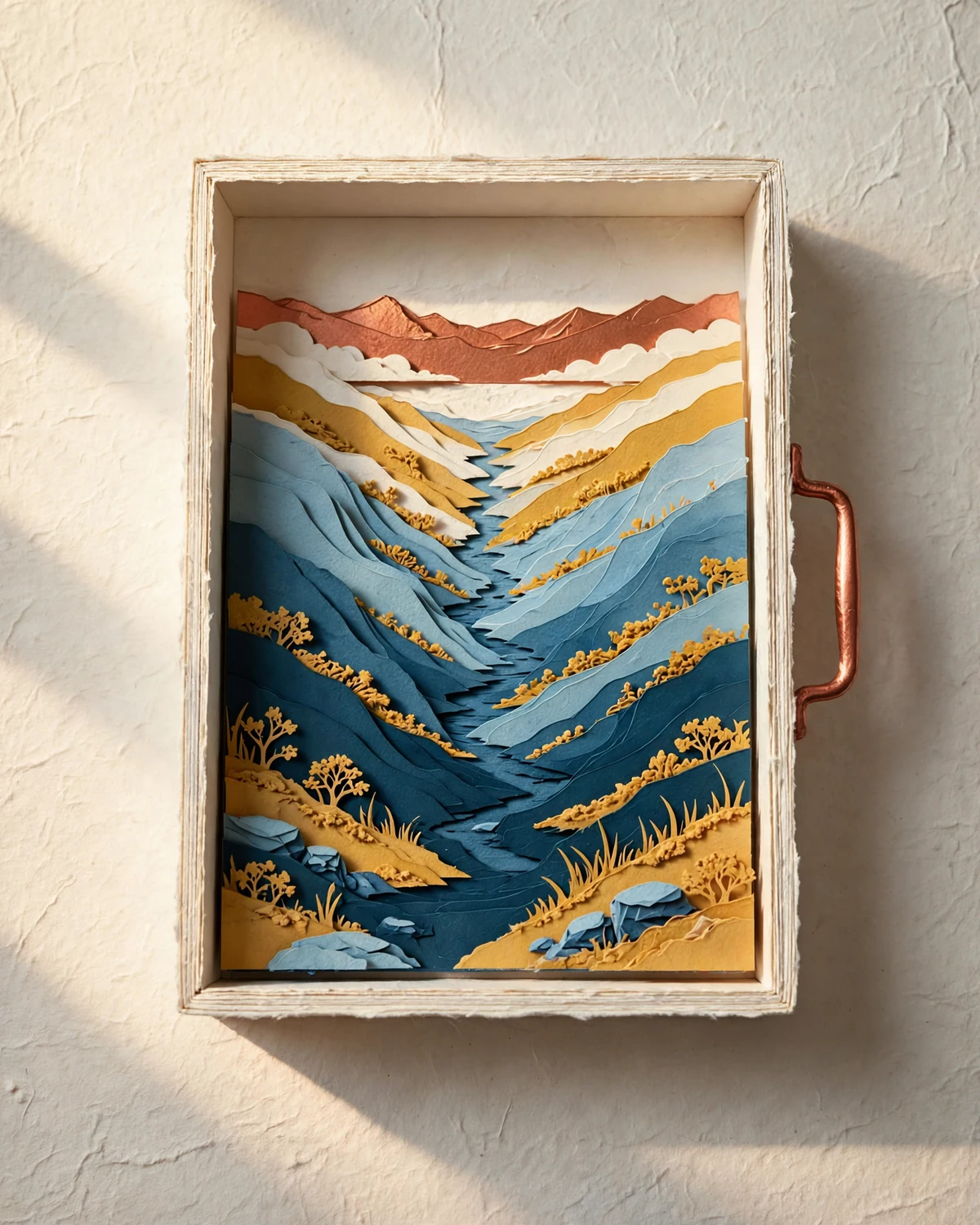
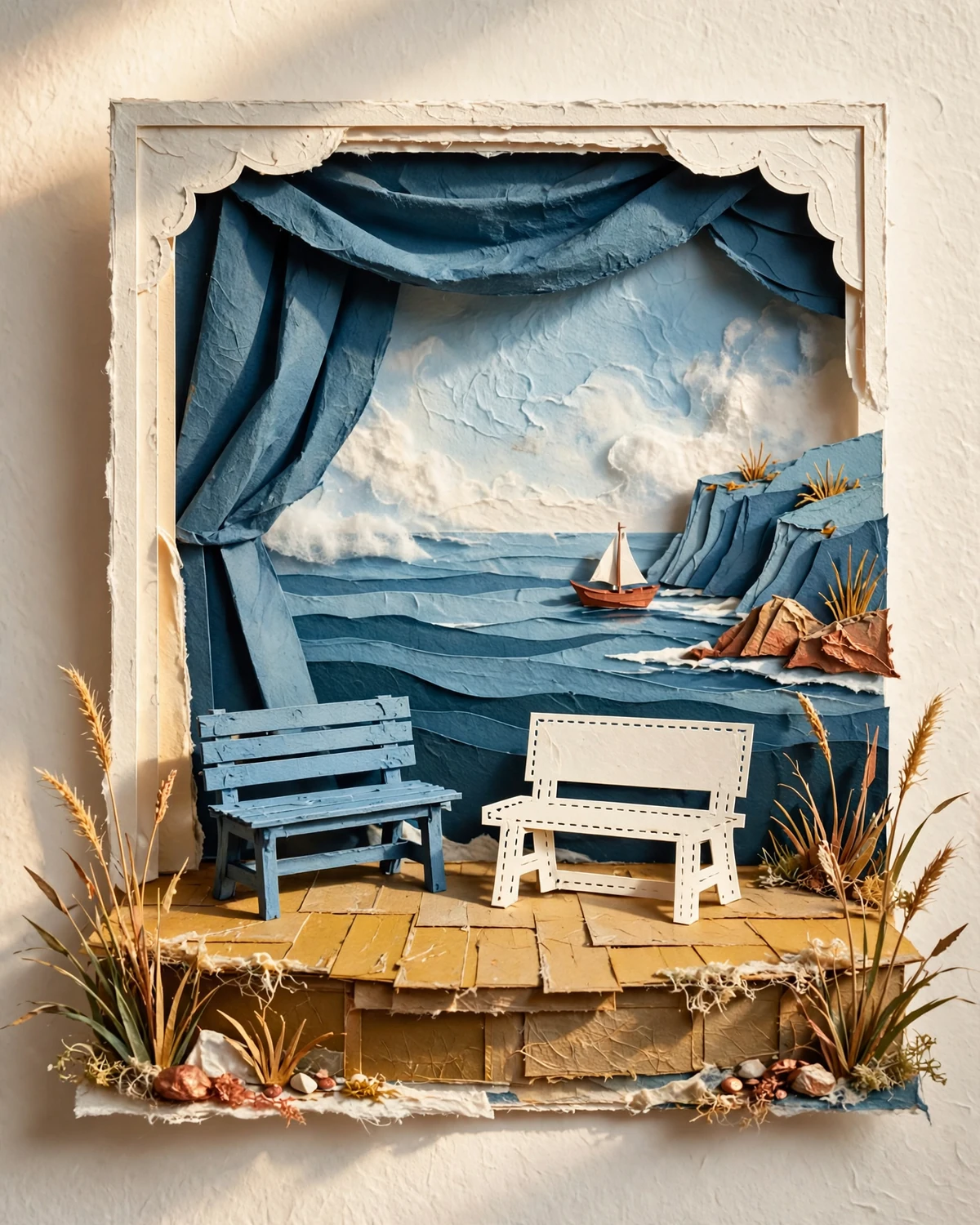
A quiet shoreline, a tucked-away courtyard or a sky full of possibility. Browse backgrounds by name, then start placing the pieces that belong in your world.
LET THE LAYERS TELL IT
Near. Far.
Right where it belongs.
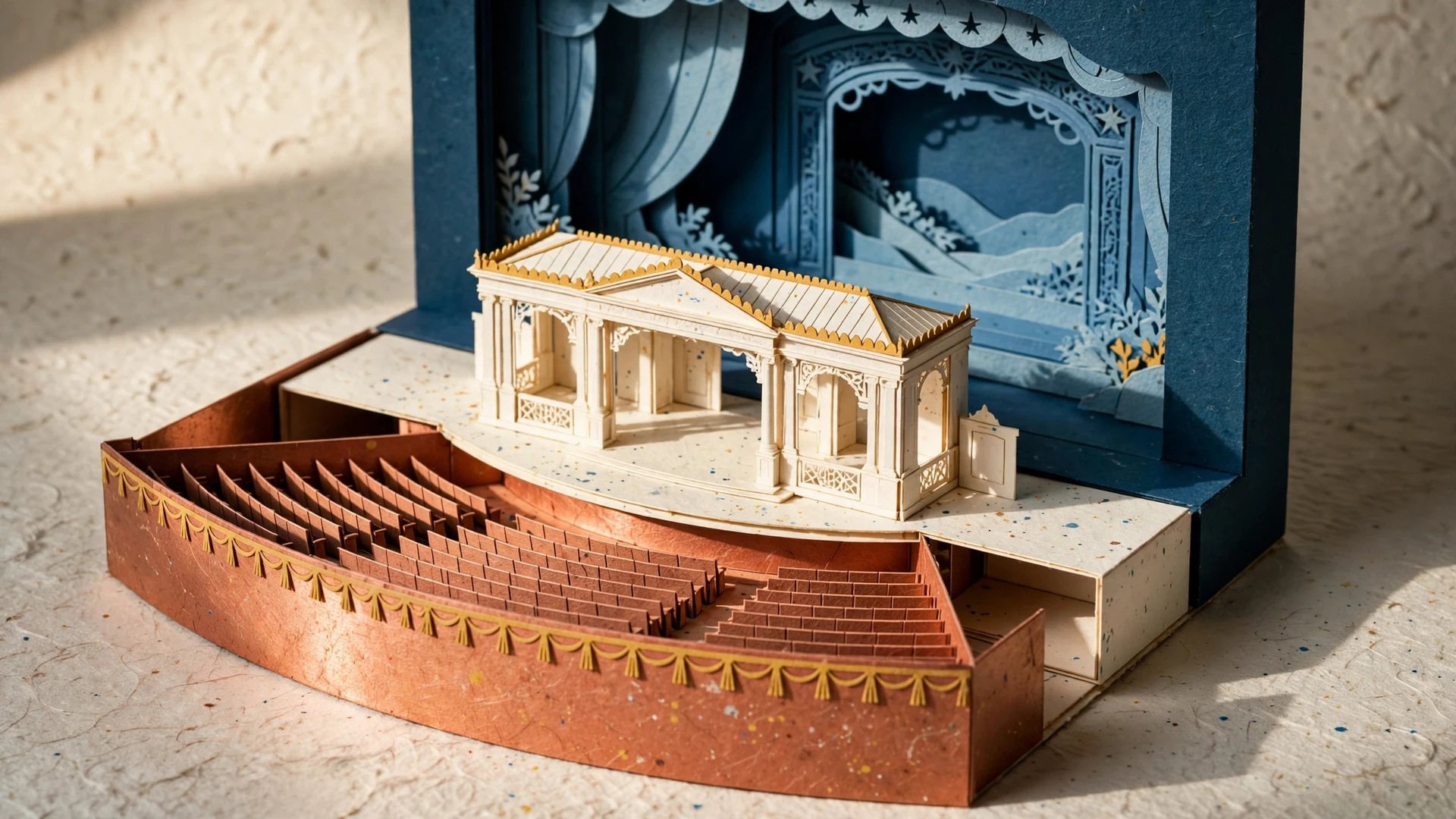
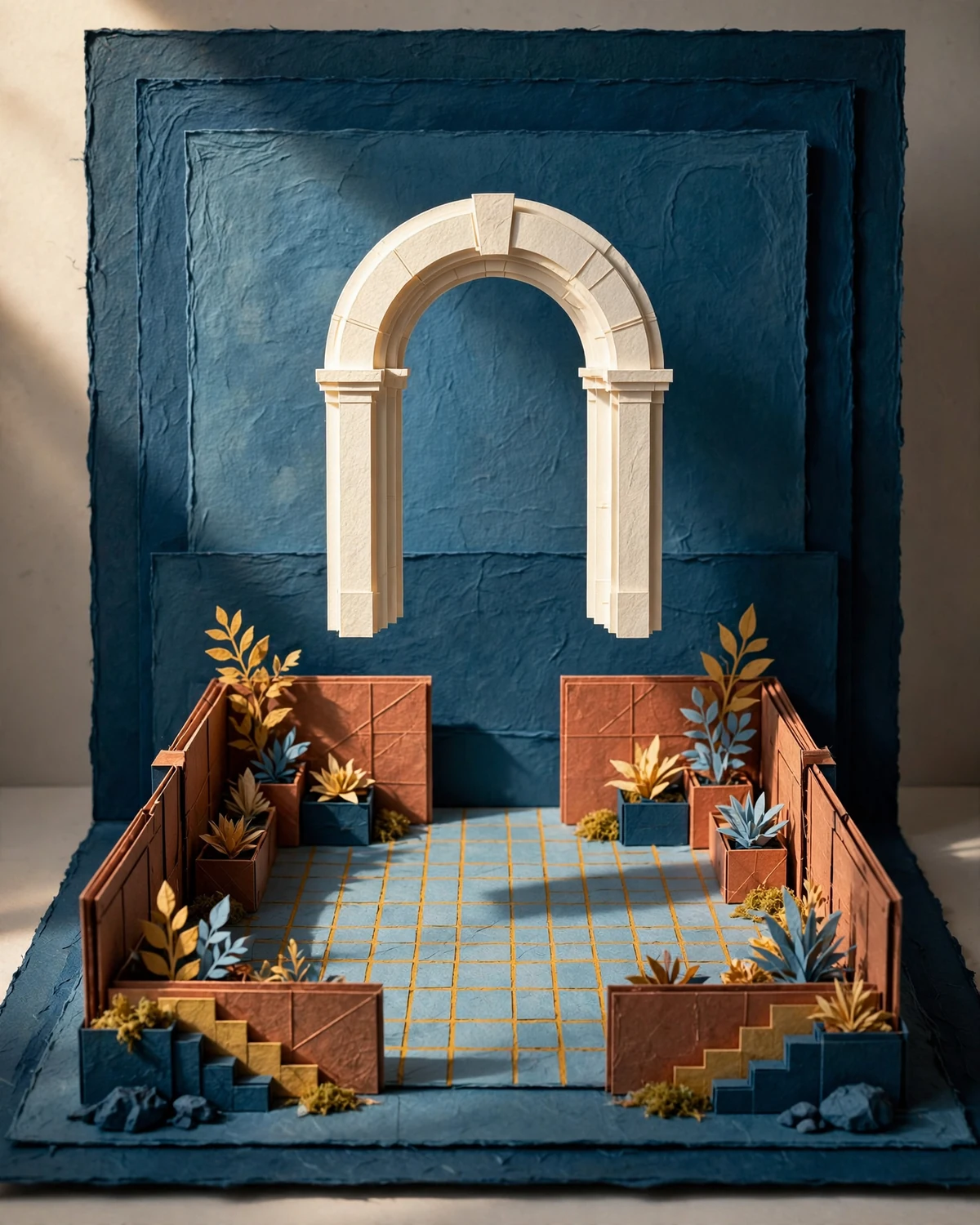
Move a piece forward or send it behind another. Turn it, change its size and nudge it into place. Clear layer controls keep even a busy scene understandable.
And when a change feels wrong, Undo brings the previous arrangement back.

FOLLOW YOUR CURIOSITY
The smallest change
can change the story.
A creature can become the focal point. A foreground edge can frame the scene. Keep exploring until the arrangement feels like yours.
A PIECE FOR THE MOMENT
Pick it up.
Put it somewhere new.
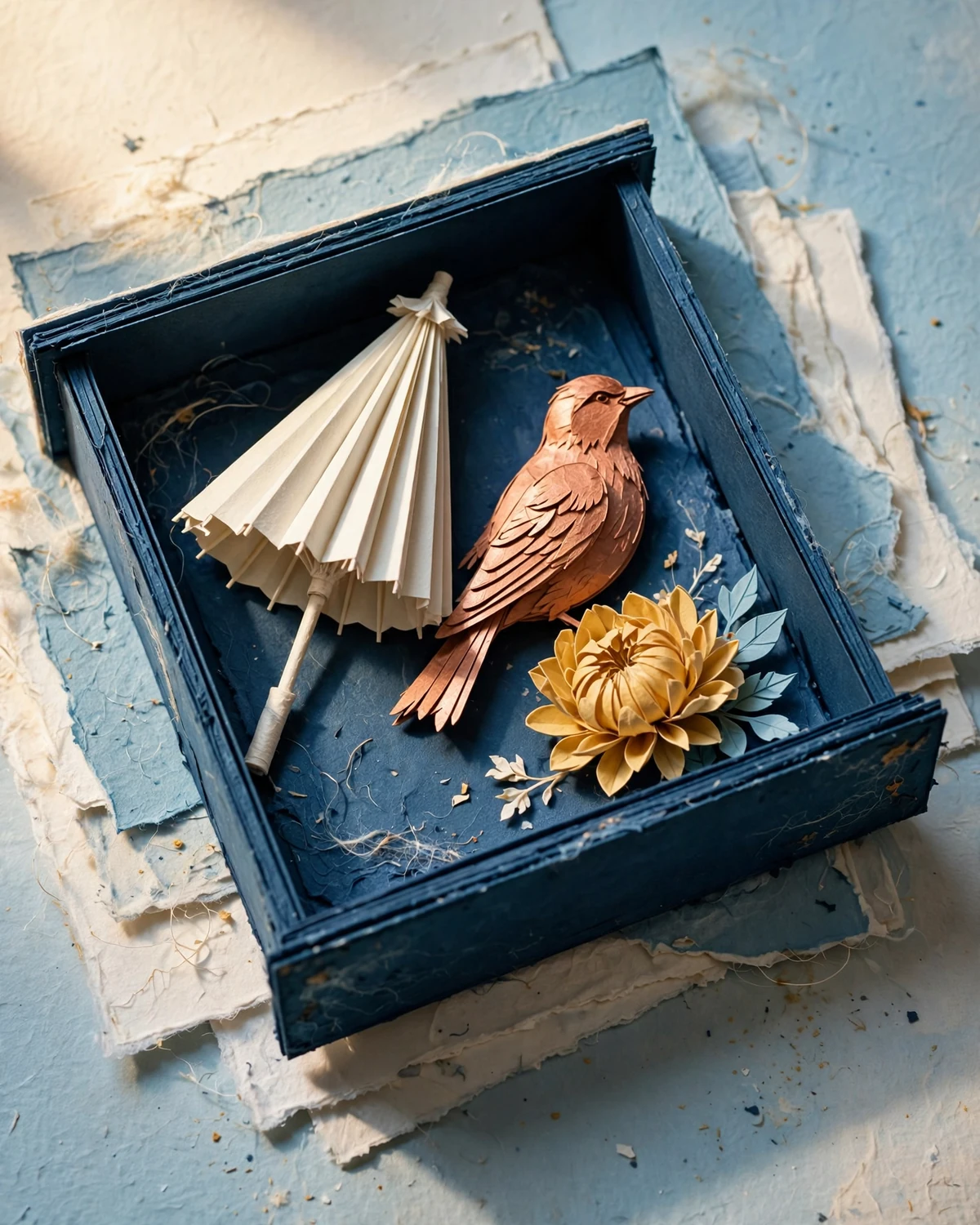
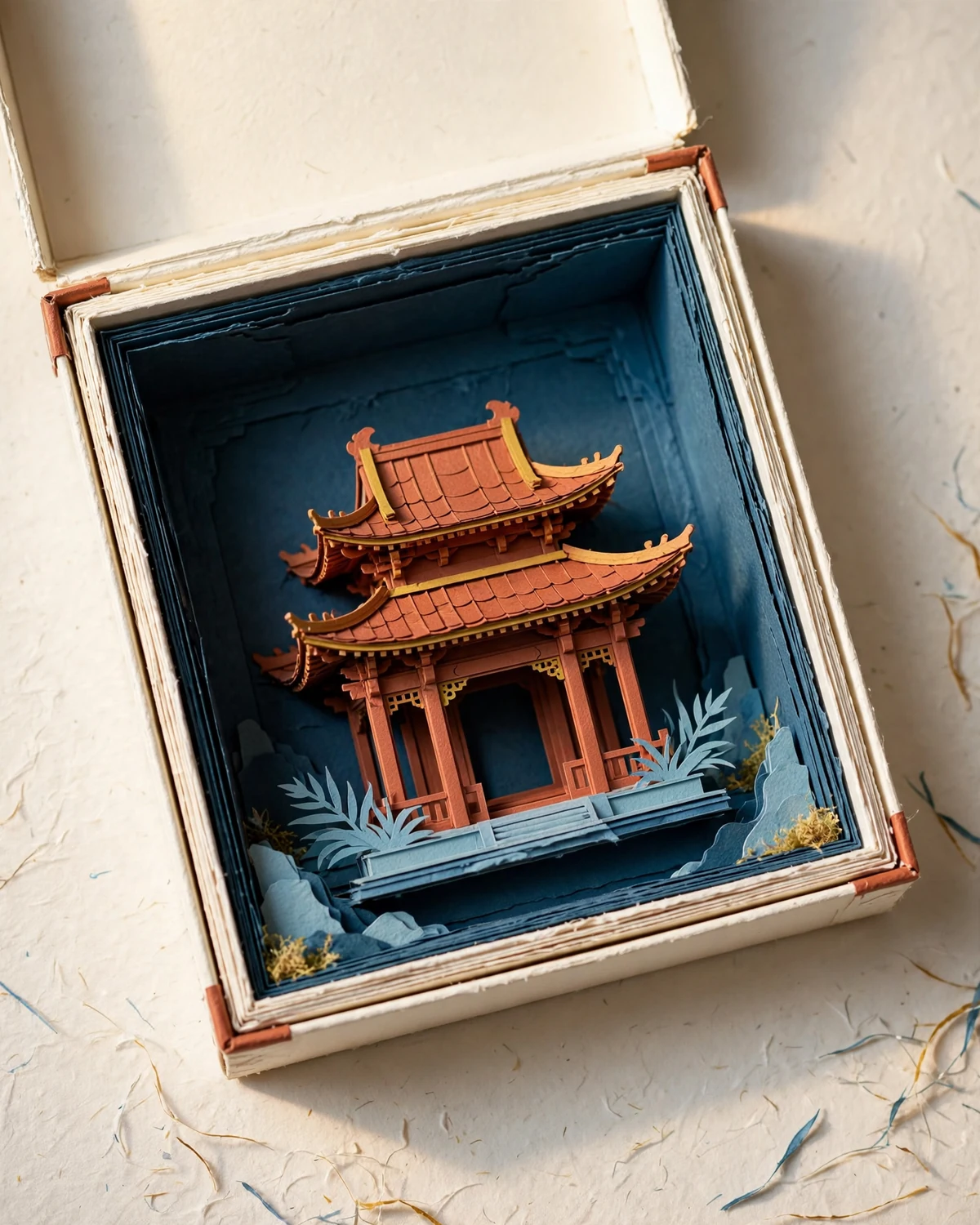
Structures, living shapes and small story objects each bring a different note to a composition. Search the drawer, select a piece and adjust it directly on the canvas or with the movement buttons.
WHAT MIGHT HAPPEN HERE?
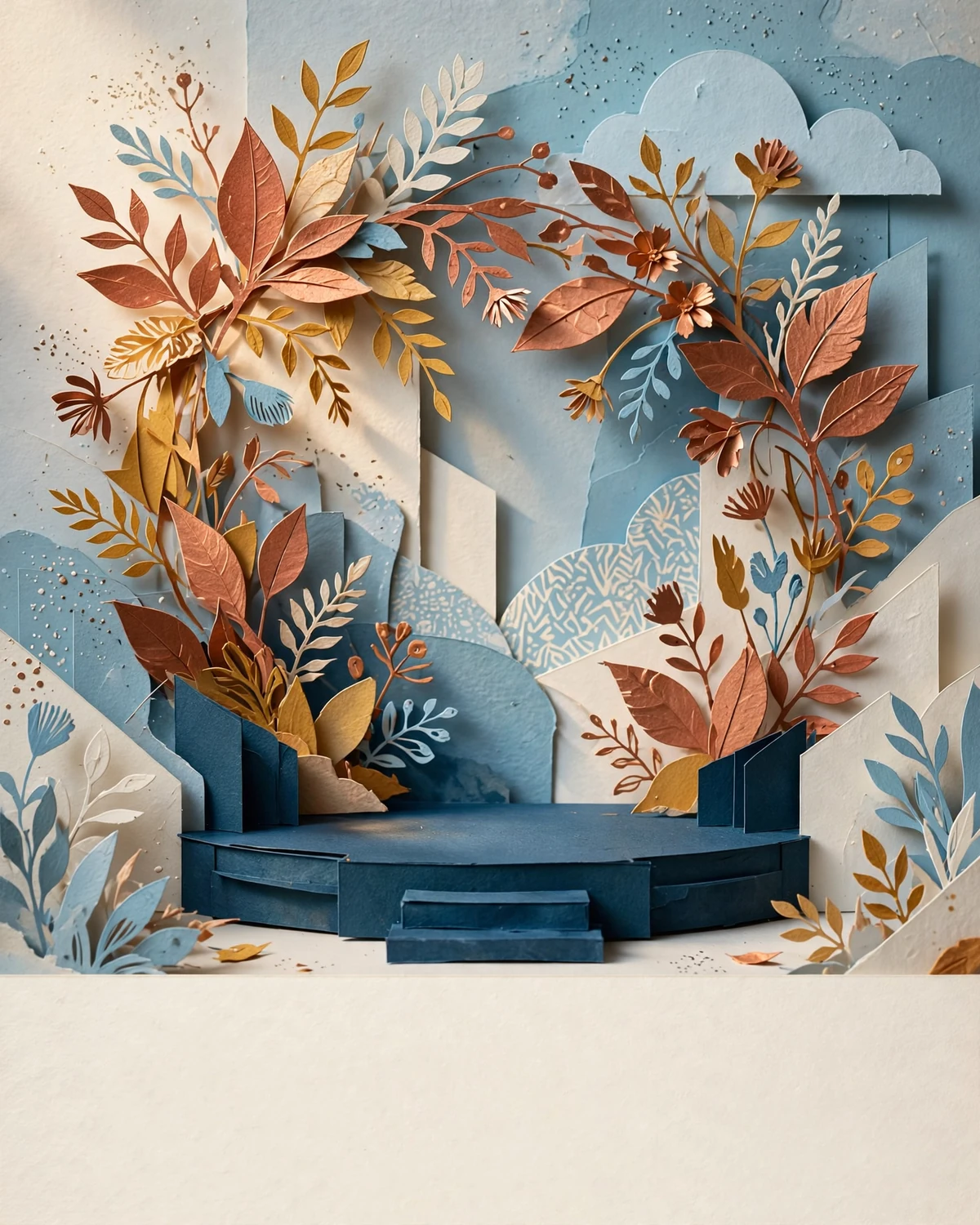
Let a scene surprise you.

KEEP THE THREAD OF AN IDEA
Put it aside.
Come back to it.
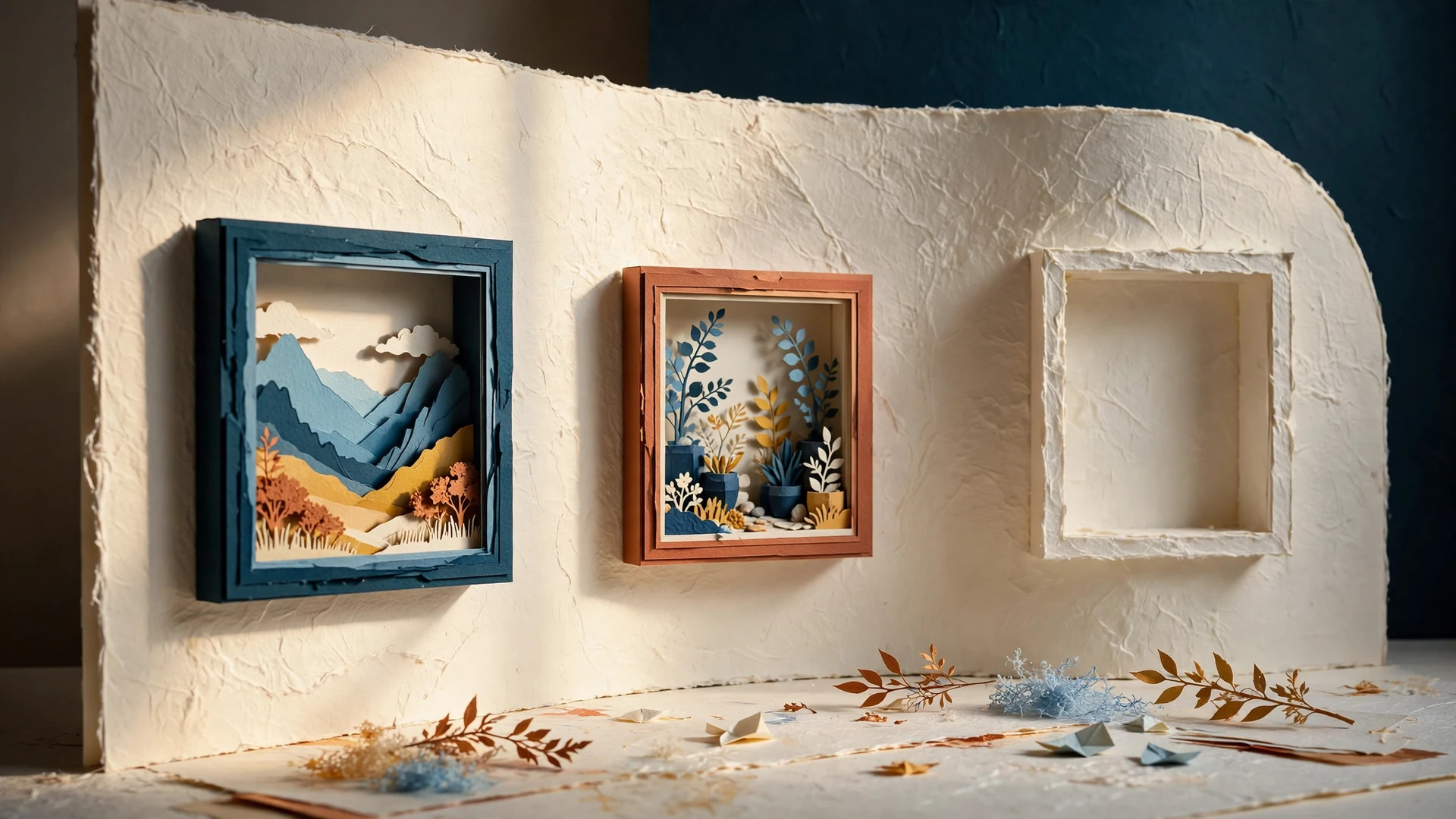
Name a scene, keep a variation and arrange your repertoire in your own order. Archived work waits in its own place until you restore it.
Add a caption when words belong with the picture. Export a PNG when the scene is ready to travel beyond the studio.
Some ideas are worth returning to.